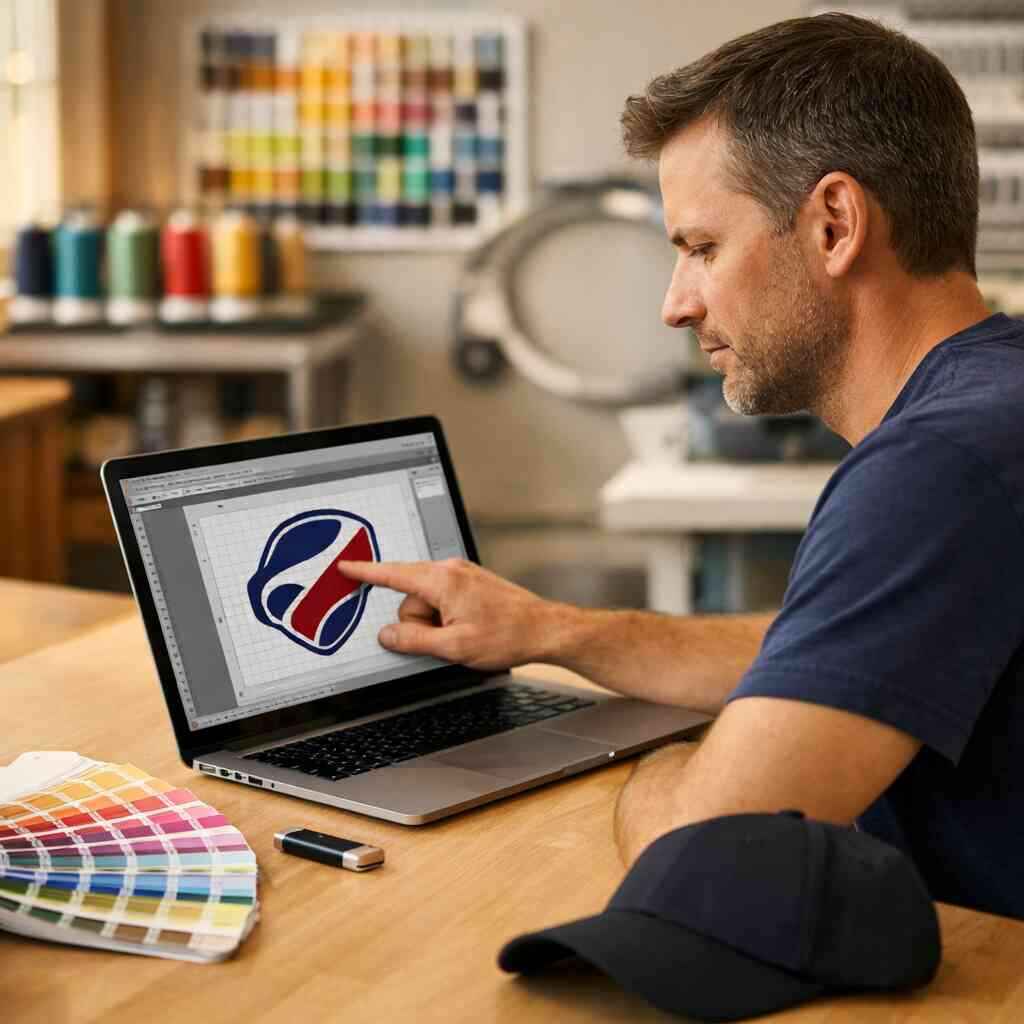
How Do You Prepare Logo Art for Embroidery Digitizing
You prepare logo art for embroidery digitizing by cleaning the artwork, converting it to vector format, simplifying fine detail, and choosing thread-friendly colors and shapes before stitch files are built. That gives the digitizer a clear file to work from and helps your embroidered logo look sharp instead of crowded or muddy.
Key Takeaways
- Clean vector artwork is the best starting point for embroidery digitizing because it provides clean edges, scalable shapes, and easier stitch planning.
- Tiny text, thin lines, gradients, and photo effects usually need cleanup before embroidery, since thread cannot reproduce them the way print can.
- Flat embroidery and 3D puff embroidery need different file prep, especially around outline thickness, spacing, and stitch density.
- Thread color matching, stitch direction planning, and embroidery stabilizer all affect how the finished logo looks on shirts, hats, and other custom apparel.
- If you want help with custom shirt printing in Commack or Long Island custom embroidery, bring clear artwork and ask for an embroidery approval proof before production.
Why a logo that looks perfect on screen can turn messy in thread
A logo that looks crisp on a monitor can break down fast in embroidery digitizing because thread is physical, not digital. Small details close up, gradients disappear, and thin strokes may not hold their shape. If you are unsure why your clean logo suddenly looks difficult to embroider, that is normal. This part is genuinely confusing for most people.
Which parts of a logo usually fail first when embroidery digitizing starts
The first things to fail are usually small text, hairline rules, tiny symbols, and layered effects. A logo that works well for custom shirt printing or a web banner may need simplification before it can become custom embroidered logos for left chest logo embroidery, custom polo shirt embroidery, or custom hat embroidery.
Here is what usually needs attention first:
- Text under about 0.25 inches tall can lose legibility.
- Thin outlines may break apart in stitching.
- Fine gradients need color changes or flat fills.
- Complex shadows and glows usually disappear.
- Tiny interior cutouts can fill in with thread.
One client brought in a logo with three stacked words, a small icon, and a fading blue gradient. On screen, it looked polished. In thread, it would have turned into a blur. We cleaned the artwork, widened the letters, and converted the icon into a simpler shape that worked for custom embroidered caps and branded workwear embroidery.
Why tiny text, thin lines, and gradients need cleanup before stitch files are built
Thread has width. Needles have limits. Fabric also shifts under pressure. That is why embroidery file setup has to respect stitch density control, underlay stitching, and stitch direction planning from the start. A line that looks elegant in a logo shirt design may be too fragile once it is reduced for a chest pocket or a cap front.
A good rule is simple: if you would need a magnifying glass to read it on a hat, it is probably too small. For embroidered sweatshirts, custom hoodie embroidery, and custom workwear, the cleaner version almost always looks more professional.
For comparison, here is how design choices usually translate:
Design elementWorks well for embroideryUsually needs cleanupBold lettersYesNoThin script fontsSometimesOftenFlat shapesYesNoGradientsLimitedUsuallyPhoto detailsRarelyAlmost alwaysIf you want to compare embroidery against print methods, our screen printing guide can help you decide when embroidery is the right fit for custom tees, custom hoodies, or company apparel.
The file prep that saves the digitizer from guesswork
The best embroidery results start with artwork that is already organized for production. Clean vector artwork, clear color choices, and a simple layout save time and reduce back-and-forth. If your file is messy, the digitizer has to guess. Guesswork is where mistakes start.
Why clean vector artwork and vector art conversion matter more than a JPEG
A JPEG is fine for viewing. It is not ideal for embroidery production. A vector file stays sharp at any size, which makes it far better for vector art conversion, artwork tracing for embroidery, and converting raster to vector. That matters whether you need business shirts, school spirit wear embroidery, or promotional apparel embroidery. A clean vector file helps with: 1. Accurate shape tracing
- Cleaner edge control
- Better digitizing artwork for thread
- Faster embroidery production file preparation
- More reliable embroidery approval proof

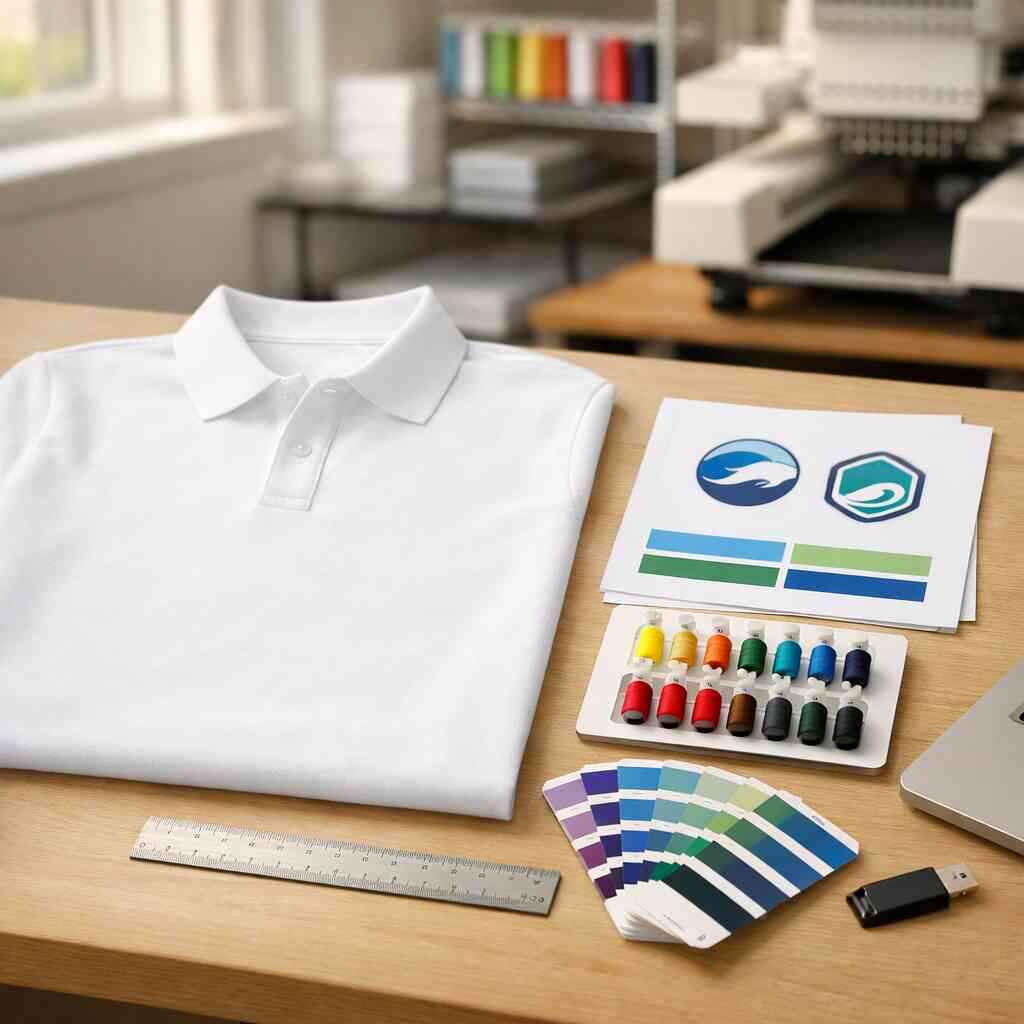
If your logo only exists as a screenshot, the file may still be usable after vector logo cleanup, but the cleaner the starting file, the better the stitch file. For many custom apparel jobs, that is the difference between a rough sample and a strong finished logo.
For more background on embroidery methods, our Embroidery Services page explains how custom embroidered apparel is handled across shirts, hats, and sweatshirts.
What to send for embroidery approval when you want strong flat embroidery or 3D puff embroidery
Send the highest-quality logo file you have, plus any notes about size, placement, and garment type. Flat embroidery and 3D puff embroidery do not use the same setup, so it helps to say which finish you want. A cap front for digitizing for caps and hats needs different treatment than a left chest logo on a polo.
Use this checklist when you submit artwork:
- Vector file such as AI, EPS, or PDF
- High-resolution logo files if a vector is not available
- Requested size and placement
- Color references, especially if Pantone matching matters
- Notes on puff or flat stitching
- Any text that must stay readable
If you are ordering through our online designer, you can upload artwork and create your own shirt or custom apparel in one place. That is especially helpful if you need custom shirt printing near me, fast-turnaround printing, or to order custom shirts online without extra steps.
A small local example: a contractor in Suffolk County wanted embroidered polos for field supervisors and custom embroidered caps for the office team. The logo had a very thin border that looked fine on paper. We thickened it slightly, adjusted spacing, and set two versions so both garments stitched cleanly.
What happens after the artwork is cleaned and your order is ready to move
Once the artwork is cleaned, the digitizer turns it into a stitch plan. That plan controls thread color matching, stitch direction, underlay, and how the design will sit on the garment. This is where embroidery stops being a picture and becomes production-ready apparel.
How thread color matching, stitch direction planning, and embroidery stabilizer work together
Thread color matching keeps the logo recognizable. Stitch direction planning controls texture, shine, and how light hits the design. Embroidery stabilizer holds the fabric steady so the stitches do not pull, ripple, or sink into the garment. All three work together.
Here is the practical flow:
- Match thread colors to the artwork and garment.
- Set stitch direction so major shapes look clean and dimensional.
- Choose stabilizer based on fabric weight and stretch.
- Adjust density so the design is neither too stiff nor too loose.
- Run a sewout test when needed to confirm the result.
For color control, many shops use the Pantone Matching System as a reference point, then convert to the closest available thread. On production jobs, that often gets paired with visual checks under consistent light. For embroidery on textured fabrics, that extra care matters. It is also why the best embroidery work on custom polo shirts, custom hoodies, and custom tote bags starts long before the needle moves.
If you are comparing decoration methods for business shirts or branded merchandise, this embroidery comparison explains where embroidery usually beats print and where print can be the better choice.
For readers looking for deeper embroidery guidance, these resources can help:
One more honest note: not every logo should be embroidered exactly as drawn. That is especially true for small text, fine gradients, and tight corner details. The best embroidery files protect readability first. If you need help deciding between flat embroidery, 3D puff embroidery, or a print method like DTG printing or direct to garment, a good shop will tell you where the logo will hold up and where it will not.
If you are in Commack, Long Island, or anywhere in Suffolk County, Custom Shirt Printings can help with logo digitizing, custom embroidered apparel, and custom shirt printing in Commack at our shop on Jericho Turnpike. You can also order custom shirts online and get help with custom tees, custom hoodies, custom polo shirts, custom hats, and company apparel without guessing at the file prep. For pickup details, see our Commack location page, and if you want to talk through your artwork, contact us here.
For more context on local apparel needs, our Commack embroidery review and local custom printing category pages are good starting points. If you need help with an upcoming team order, event shirts, or branded workwear, call +18337447811 and ask for a quote.
Frequently Asked Questions
Question: How do I prepare logo art for embroidery digitizing so my custom embroidered apparel turns out clean and readable?
Answer: The best way to prepare logo art for embroidery digitizing is to start with clean vector artwork, simplify any tiny details, and make sure the logo is easy to read at the size you want on the garment. For custom embroidered apparel, thread cannot capture every detail that a screen image can, so small text, hairline strokes, gradients, and busy effects often need to be adjusted before stitching begins. At Custom Shirt Printings, we help customers in Commack and across Long Island review their artwork so it is better suited for custom embroidered logos on custom polo shirts, custom hoodies, custom hats, and business shirts. If your file starts as a JPEG or screenshot, we can often still help with vector art conversion or logo cleanup for embroidery so the final stitch file is more reliable. That kind of preparation helps your design look sharp on school spirit wear, company apparel, and promotional apparel embroidery instead of crowded or muddy.
Question: What file type should I send for logo digitizing, and can Custom Shirt Printings help if I only have a raster image?
Answer: The ideal file for logo digitizing is a vector file such as AI, EPS, or PDF because clean vector artwork scales well and gives the digitizer clear edges to work from. If you only have a raster image like a PNG or JPEG, that can still be a starting point, but it usually needs converting raster to vector or artwork tracing for embroidery before the stitch file is built. We recommend sending the highest-quality logo file you have, along with any notes about size, placement, and garment type, especially if you want custom embroidered caps, left chest logo embroidery, or custom hoodie embroidery. Custom Shirt Printings offers custom shirt design online and order custom shirts online options, so you can upload your artwork and get help deciding whether embroidery, screen printing, DTG printing, or direct to garment is the best fit for your project. That flexibility is helpful for custom tees, custom sweatshirts, team shirts, event shirts, and branded workwear embroidery where the artwork needs to be production-ready.
Question: How do flat embroidery and 3D puff embroidery affect how I should prep my logo art?
Answer: Flat embroidery and 3D puff embroidery are not prepared the same way, so the artwork needs to be checked with the final stitching style in mind. Flat embroidery can handle a wider range of logo shapes, but it still benefits from clean vector artwork, simplified fine detail, and embroidery-friendly line weights. 3D puff embroidery usually needs bolder shapes, thicker outlines, and more spacing so the foam and stitches can hold the design properly, especially on custom embroidered caps and custom hat embroidery. If your logo has very thin text, tiny cutouts, or complicated outlines, it may need logo cleanup for embroidery before it will work well in puff. At Custom Shirt Printings in Commack, we help customers choose the right decoration method for the item, whether that is custom hats, custom polo shirts, custom workwear, or custom embroidered sweatshirts, so the artwork matches the production method instead of fighting it.
Question: What should I know about thread color matching, Pantone matching, and embroidery stabilizer before placing an order?
Answer: Thread color matching helps keep your logo recognizable, while Pantone matching gives a useful reference point when selecting the closest available thread colors. Because embroidery uses physical thread instead of ink, the final result depends on the thread palette, stitch direction planning, underlay stitching, and the fabric itself. Embroidery stabilizer is also important because it supports the garment during stitching and helps prevent pulling, rippling, or distortion, especially on textured fabrics or stretchy garments. When you submit artwork to Custom Shirt Printings, it is helpful to include your color preferences, garment type, and whether the design is for custom tees, custom hoodies, custom polo shirts, or custom embroidered caps. That information helps us prepare the stitch plan more accurately and provide a better embroidery approval proof before production begins. It is one reason customers looking for Long Island custom shirt printing or custom shirt printing in Commack often choose embroidery for business shirts, company apparel, and promotional apparel.
Question: How does the blog How Do You Prepare Logo Art for Embroidery Digitizing apply to custom shirt printing near me and other custom apparel projects?
Answer: The main idea of How Do You Prepare Logo Art for Embroidery Digitizing is that good artwork preparation saves time, reduces guesswork, and leads to better results on custom apparel. That applies whether you are ordering custom shirt printing near me, custom embroidered apparel, custom hoodies, custom tote bags, or school spirit wear embroidery. A logo that is clean, simple, and well organized can be used more effectively across different decoration methods, including embroidery, screen printing, DTG printing, direct to garment, and heat transfer, depending on what the garment and design call for. At Custom Shirt Printings, we work with customers on logo shirt design, custom shirt printing in Commack, and Long Island custom shirt printing projects of many kinds, from team shirts and event shirts to company apparel and branded merchandise. If you are unsure whether your artwork is ready, we can help you review it, suggest improvements, and guide you toward the best method for your order so your custom tees, custom hats, or custom embroidered sweatshirts look polished and professional.